Google Business Profile for Tutoring Centres: A Practical Checklist for Australian Owners
When a parent in Australia looks for tutoring, they rarely type the name of a centre. They search for their need: "maths tutor near me", "selective school prep", "English tutoring Year 9". What they see first, very often, is a map with a handful of local businesses and their Google reviews.
That means your Google Business Profile is often a parent's first impression of your centre, before your website, before your social media, before any conversation. For a local business, few things are as important, and few are as often neglected.
Here's a practical checklist to get it right.
1. Claim and verify your profile
If you haven't already, claim your profile through Google Business Profile and complete verification. Without it, you can't control what appears, respond to reviews or update your information. If someone else set it up years ago, find out who has access and make sure you're an owner.
2. Get the basics exactly right
- Business name: your real centre name, exactly as on your signage. Adding keywords to your name ("ABC Tutoring Best Maths Tutor Parramatta") breaks Google's guidelines and can get your profile suspended.
- Category: choose the most accurate primary category, such as tutoring service or educational institution, and add relevant secondary ones.
- Address and service area: correct and consistent with your website and other listings.
- Phone number and website: ideally linked to a page where parents can enquire or book a trial.
- Opening hours: accurate, including school holiday changes. Few things frustrate a parent more than calling during listed hours and getting no answer.
3. Write a description for parents, not for Google
Your description should tell a parent in a few sentences who you help, with what, and what makes you different. Mention the subjects, year levels and exams you cover, in plain language. Avoid stuffing it with keywords; write it the way you'd explain your centre to a parent at the school gate.
4. List your services clearly
Use the services section to list what you offer: subjects, year levels, exam preparation, holiday programmes, trial classes. This helps Google match you to specific searches, and helps parents see quickly whether you cover what they need.
5. Add real photos, and keep them fresh
Parents want to see where their child will spend time. Add photos of your classrooms, your entrance, your team and, with permission, classes in action. Real photos build more trust than stock images. Add new ones regularly, especially when something changes.
A note on privacy: always get written consent from parents before posting any image where a child can be identified.
6. Ask for reviews, consistently
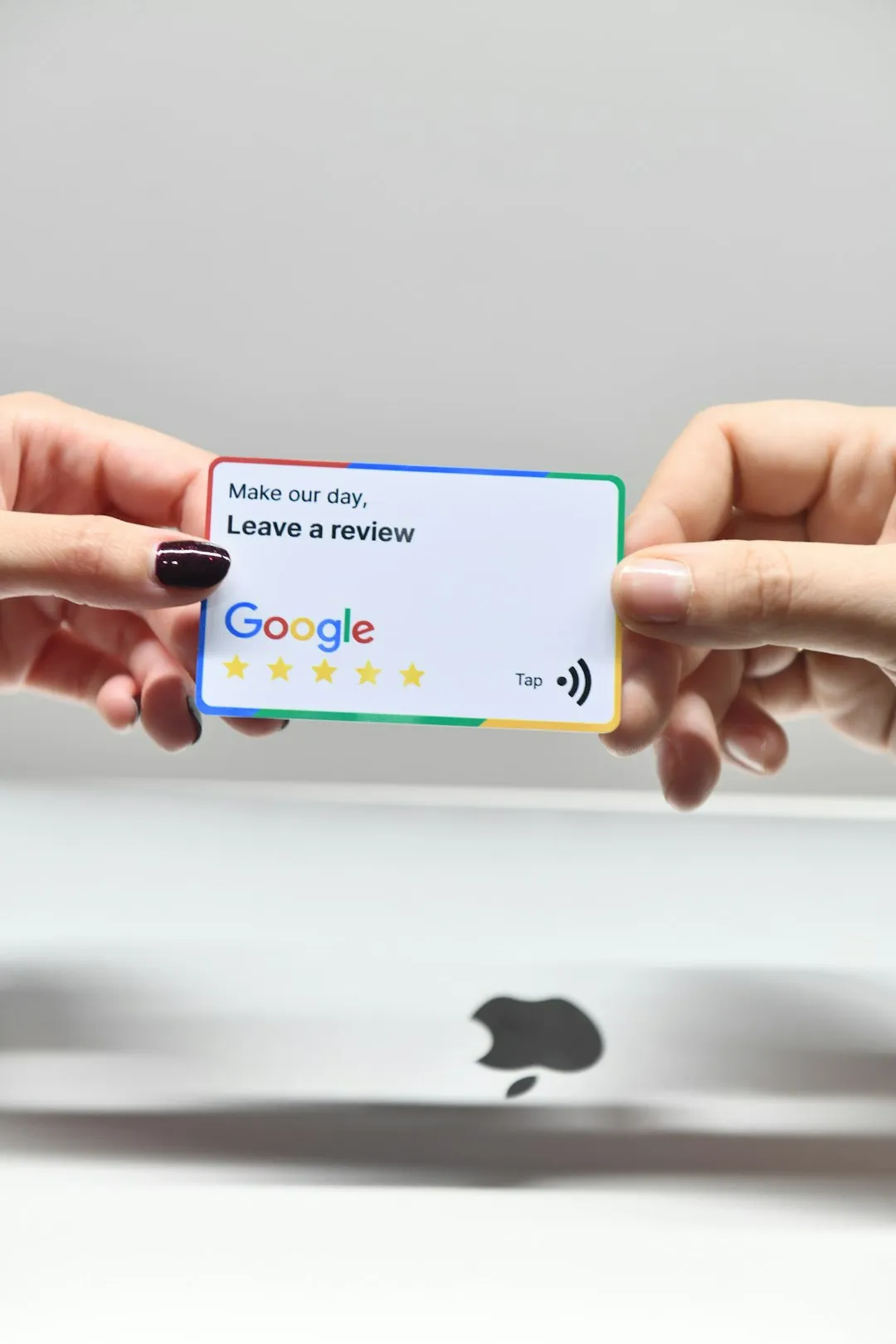
Reviews are one of the strongest signals for both Google and parents. The challenge is that happy families rarely leave a review unless someone asks.
- Ask at the right moment: after a good report, a positive parent meeting, or a milestone such as an exam result.
- Make it easy: send a direct link to your review page. Every extra step loses people.
- Make it routine: an automatic request after a family has been with you for a few weeks ensures nobody is forgotten.
- Never offer incentives or post fake reviews. Google's policies prohibit it, and in Australia, misleading reviews can also raise consumer-law concerns.
7. Reply to every review
Thank families for positive reviews, ideally with a personal touch. For a negative review, reply calmly and professionally, acknowledge the concern and offer to continue the conversation privately. Parents reading your reviews will judge you as much by your replies as by the reviews themselves.
8. Post updates
You can publish short updates on your profile: term enrolments, holiday programmes, open days, results. It shows parents your centre is active, and gives them a reason to get in touch now rather than later.
9. Reuse your reviews everywhere
Your reviews are some of your best marketing content. A martial arts school we worked with in Singapore made sharing their Google reviews a regular part of their social media, alongside asking for reviews consistently. Real families saying good things about real classes is more persuasive than anything a centre can write about itself.
Share reviews on social media, on your website and in your replies to new enquiries.
10. Check it like a parent would
Once a term, search for your centre's service and suburb on your phone, the way a parent would. Look at your profile with fresh eyes. Is the information correct? Are the photos recent? Would you trust this centre with your child?
A small investment with a long reach
None of this requires a big budget. A few hours to set up properly, then a little consistent effort each month. For a local centre, it's one of the highest-return marketing activities available.
Want a quick review of how your centre shows up when parents search? Book a free 30-minute Centre Health Check.

Curious where your centre stands?
Book a free 30-minute Centre Health Check. No pitch, just a clear picture of where you're losing time and students, and what to do about it.


© Copyright 2026. Komunzy. All rights reserved.